
Fast editing
Pick a video or photos, trim, adjust, and you're done. A GIF in just a few steps.

The fastest GIF converter — just the tools you need
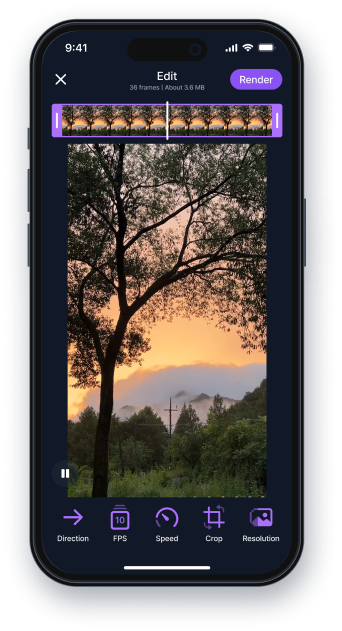
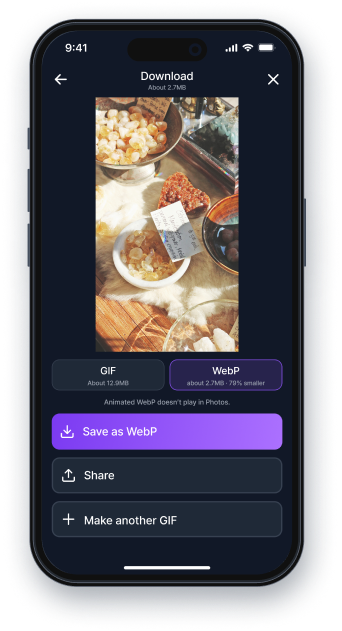
Pick a video or photos, trim, adjust, and you're done. A GIF in just a few steps.

The estimated file size updates while you edit, so there's nothing to fix after the fact.

No captions, no stickers, no decorations.
Just conversion — and that keeps it simple.
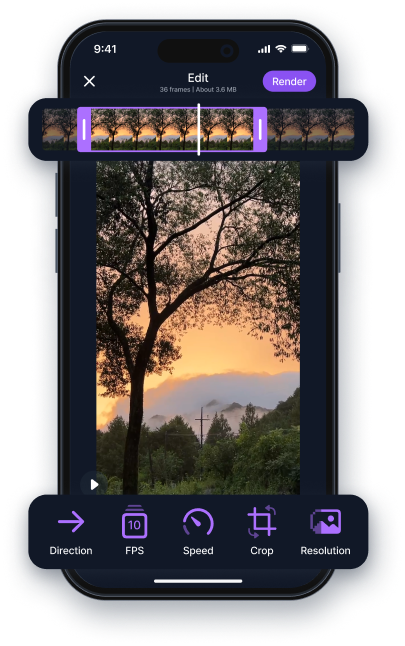
Trim, playback direction and speed, FPS, crop,
and resolution — every tool you actually need is here.
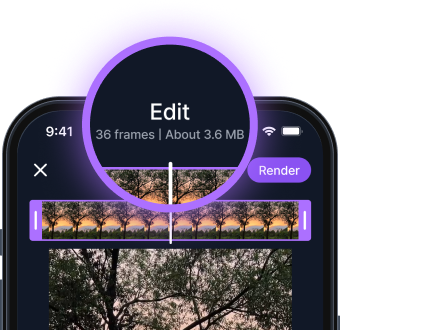
Change any setting and the estimated size updates instantly.
Edit toward a target size,
so you never have to go back and shrink it later.
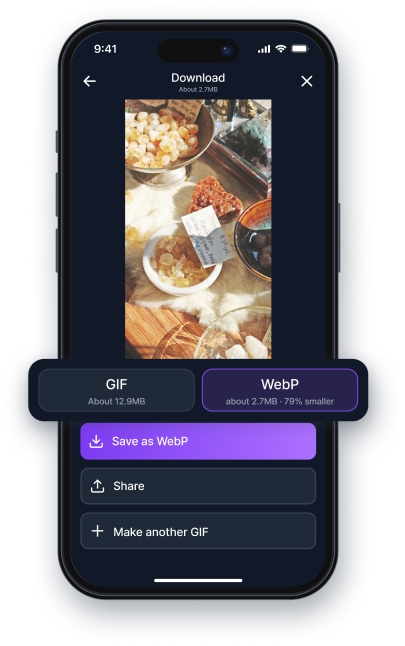
If you want to keep the same quality but shrink the file, save as WebP. WebP keeps the quality
while dramatically cutting the size — a next-generation image format.

No sign-up, no payment. Open the app and make your first GIF.

Store listings are on the way.